
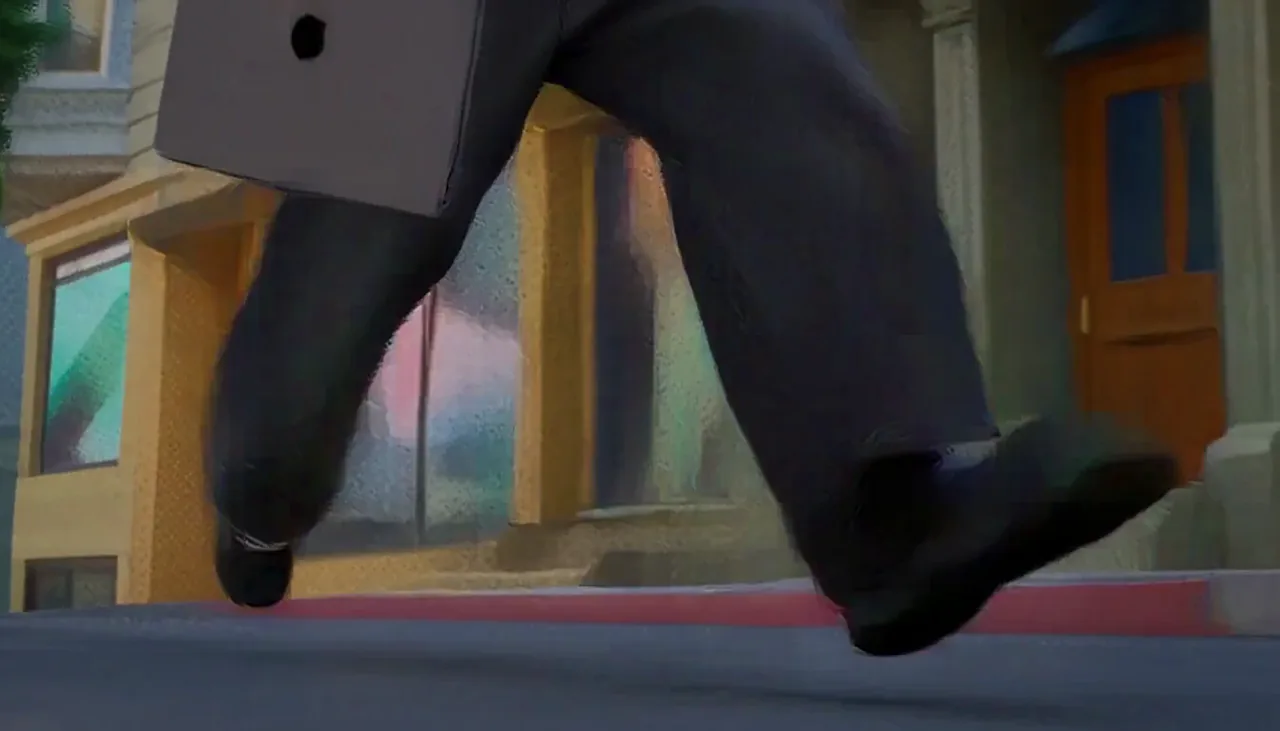
Camera & Motion
Direct every camera move
Describe a tracking shot, pan, push-in, or fast follow. H3 Max Live keeps camera and subject movement aligned with the shot you wrote.
H3 Max Live, ready to run
Turn a prompt or an image into a 5–15 second video with synchronized audio, directed camera motion, and optional first and last frames. Choose H3 Max for fast 480P or 768P iteration, or standard H3 for 2K and 4K output.
Creating an account is free. Generation is charged per second of output, and a render that fails returns its credits.
H3 Max improves instruction following, aesthetic quality and text rendering. A 768P clip starts in about three seconds, and the preview updates while it renders.
The first frame of the video.
The last frame. H3 Max Live generates the motion between the two.
H3 Max Live can rewrite your prompt before rendering. Off keeps your wording exactly.
5 credits per second at 480P
Your video will appear here.
Start from one sharp image, or describe the scene in plain language.
Keep one look across the whole sequence so the motion stays believable.
Describe the action in order, and let audio land with the picture.
H3 is MiniMax’s video model. H3 Max is a post-trained variant tuned for prompt adherence, audiovisual quality and aesthetics. H3 Max Live serves that model as a hosted generator: a 768P clip starts in about three seconds, so a shot can be reworked without waiting. Standard H3 handles 2K, 4K, and the longest generations — although every model narrows at the same scene resolution, which is why H3 Max is the default here.
H3 Max holds prompt adherence, audiovisual quality and aesthetics, and renders at 480P or 768P. Standard H3 stays the choice for 2K and 4K delivery. The current credit rates below update automatically.
| Model | H3 MaxDefault50% off | H3 |
|---|---|---|
| Best for | Prompt fidelity and rapid iteration | 2K and 4K delivery |
| Maximum duration | 15s | 2K and 4K video |
| Resolution | 480P or 768P | 480P or 768P |
| Inputs | Text or image, with optional first and last frame | Text or image, with optional first and last frame |
| Synchronized audio | Included | Included |
| Concurrent credits per account | 480P × 16, 768P × 16 | 480P × 16, 768P × 16, 2K × 8, 4K × 2 |
By the H3 Max Live team
Videos generated from a single prompt or image. Hover to preview; click to watch larger.
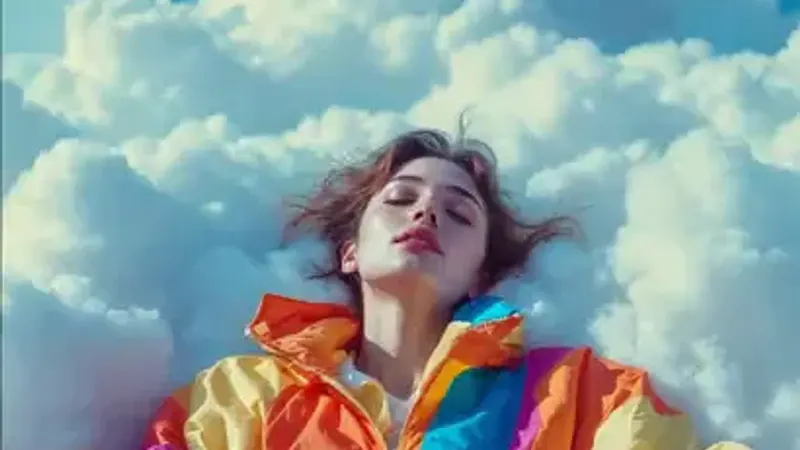

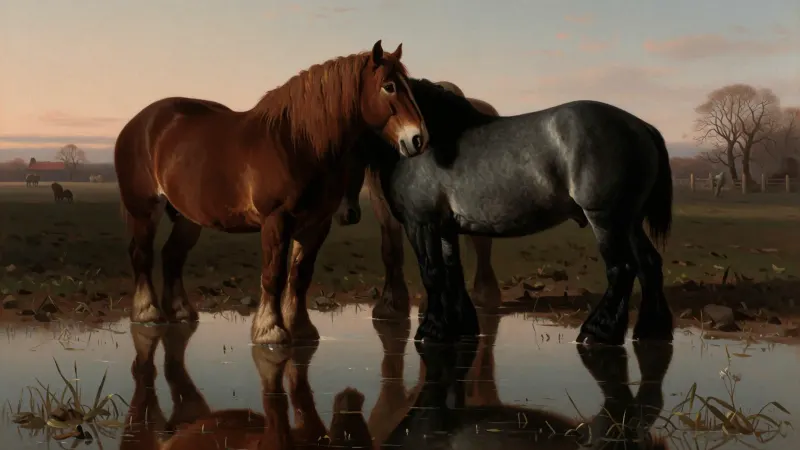
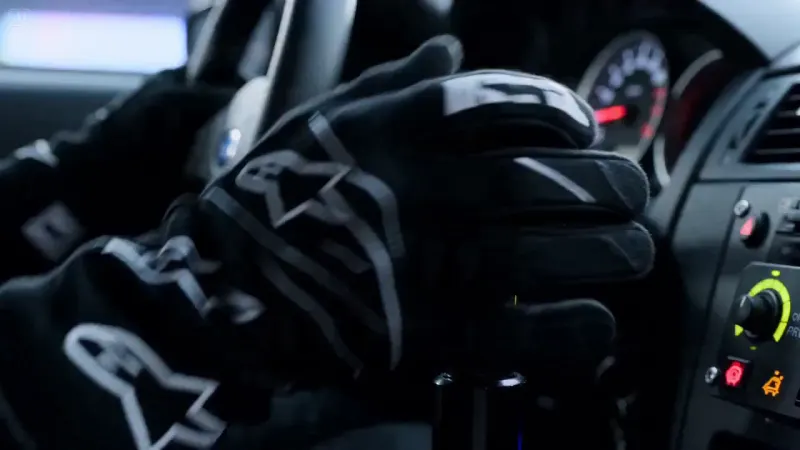
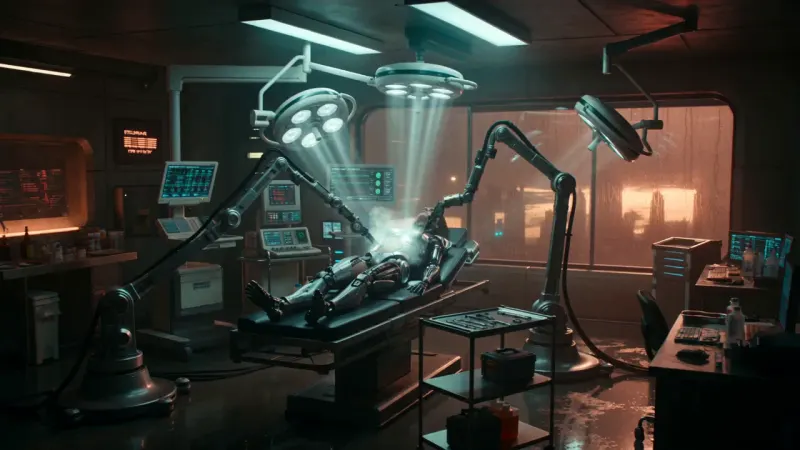
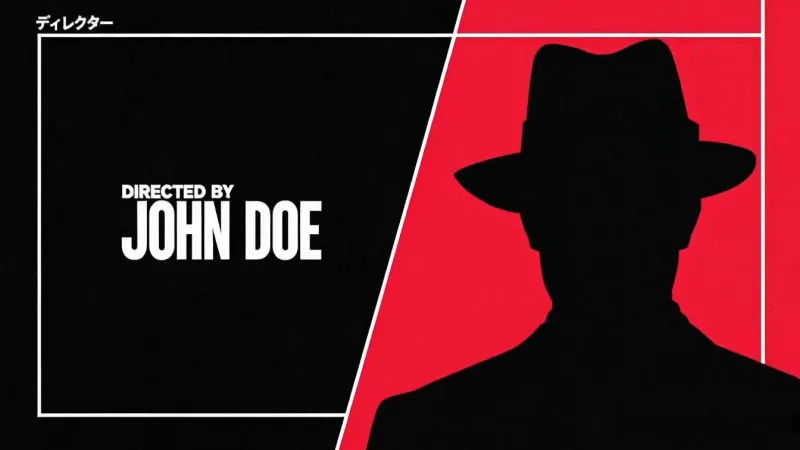

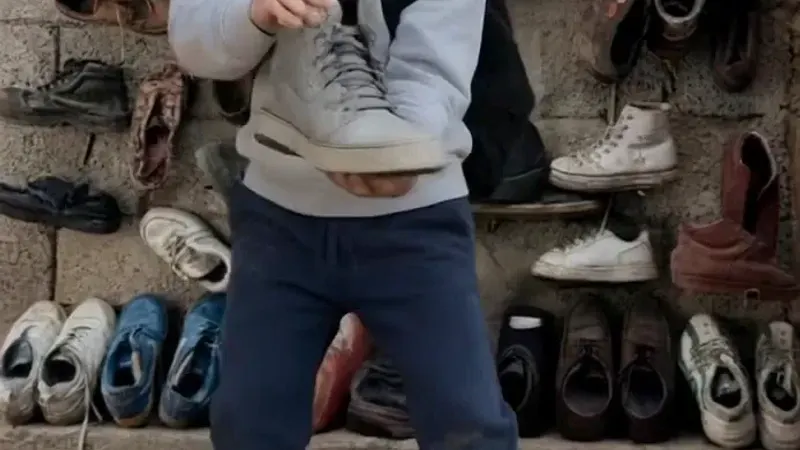
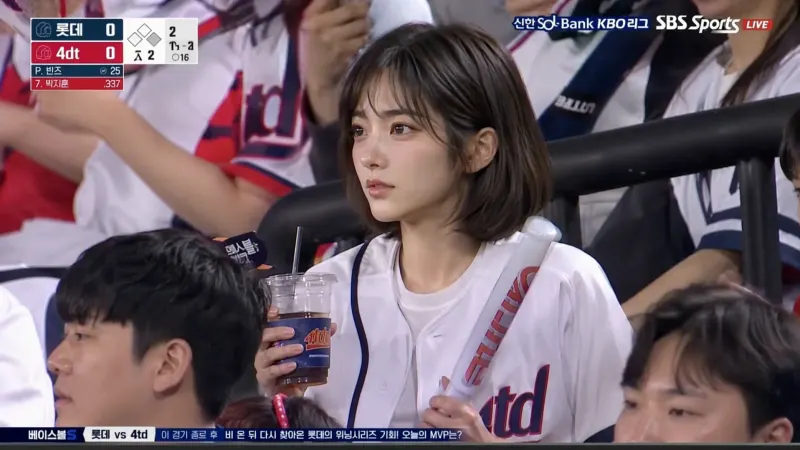
Point the model anywhere. Keep one visual language across the whole sequence, and let prompts, audio, and motion land together in a single generation.
Camera & Motion
Describe a tracking shot, pan, push-in, or fast follow. H3 Max Live keeps camera and subject movement aligned with the shot you wrote.
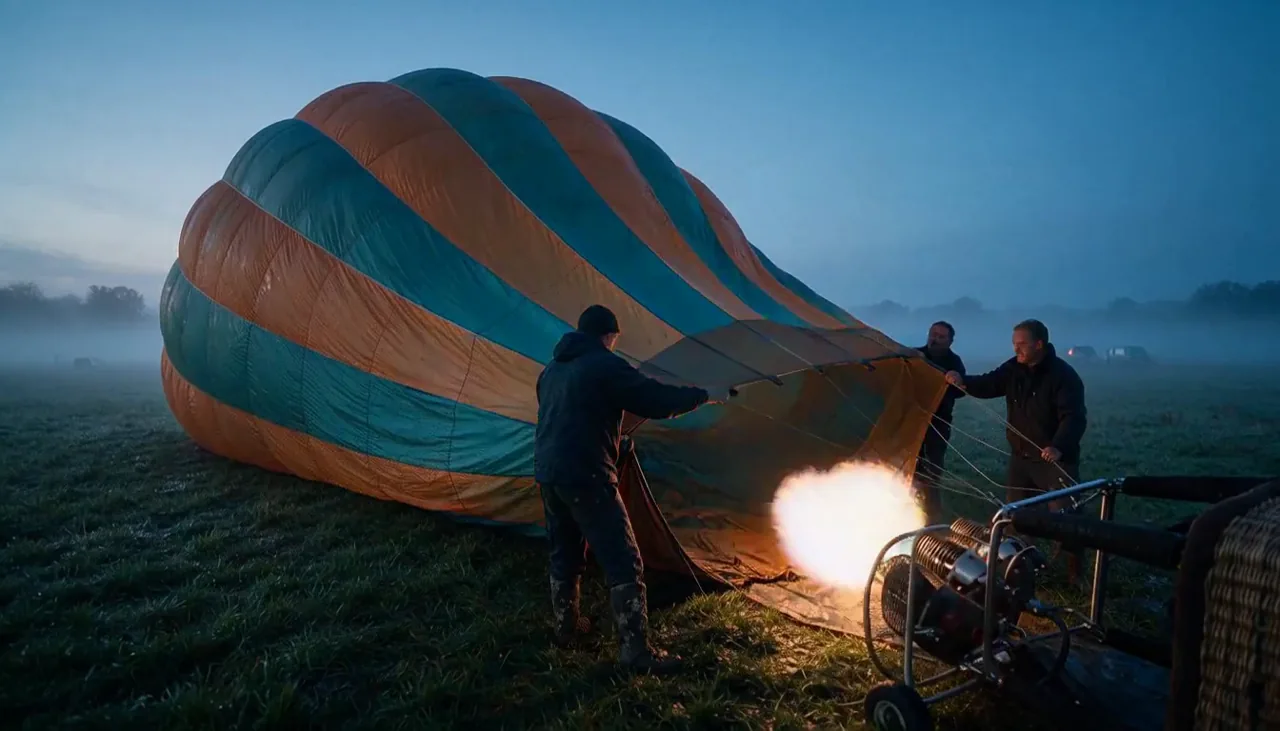
First & Last Frame
Start from an opening image and add an optional closing frame. H3 Max Live builds continuous motion between the two moments.
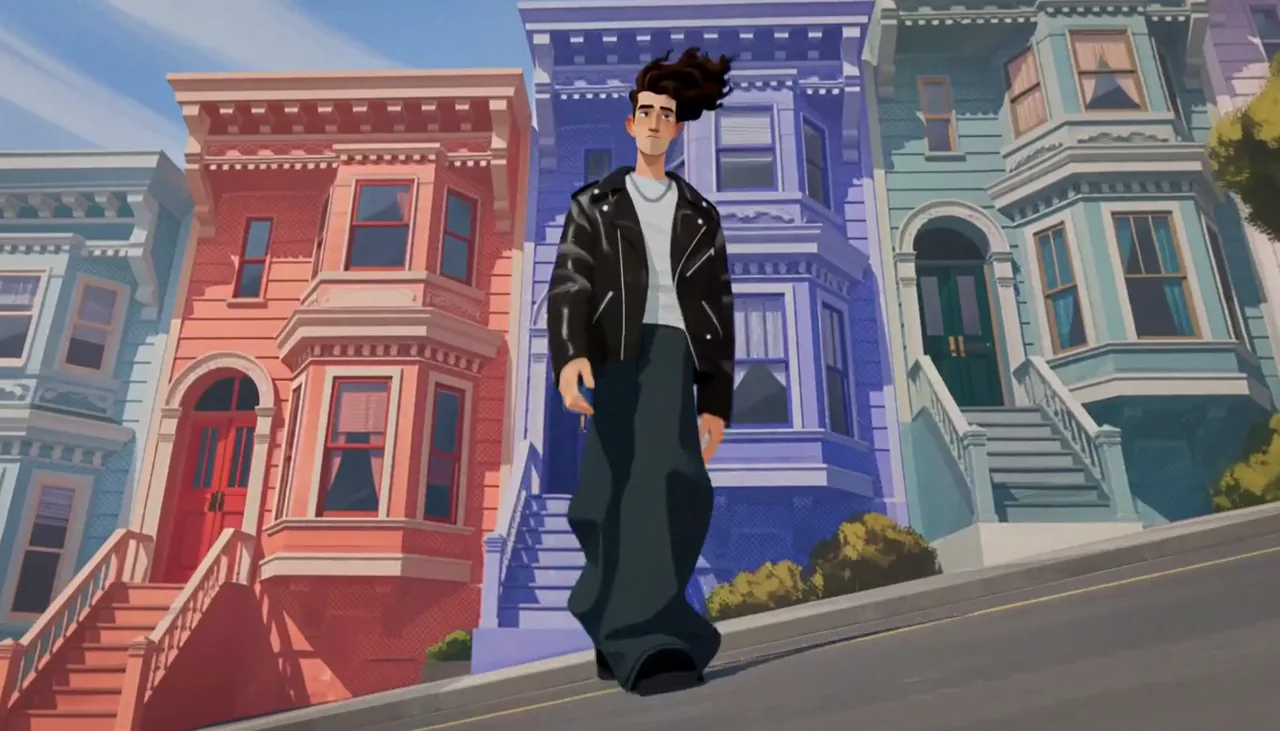
Character Consistency
Faces, clothing, proportions, and identity can stay coherent as the setting, light, and camera angle change.
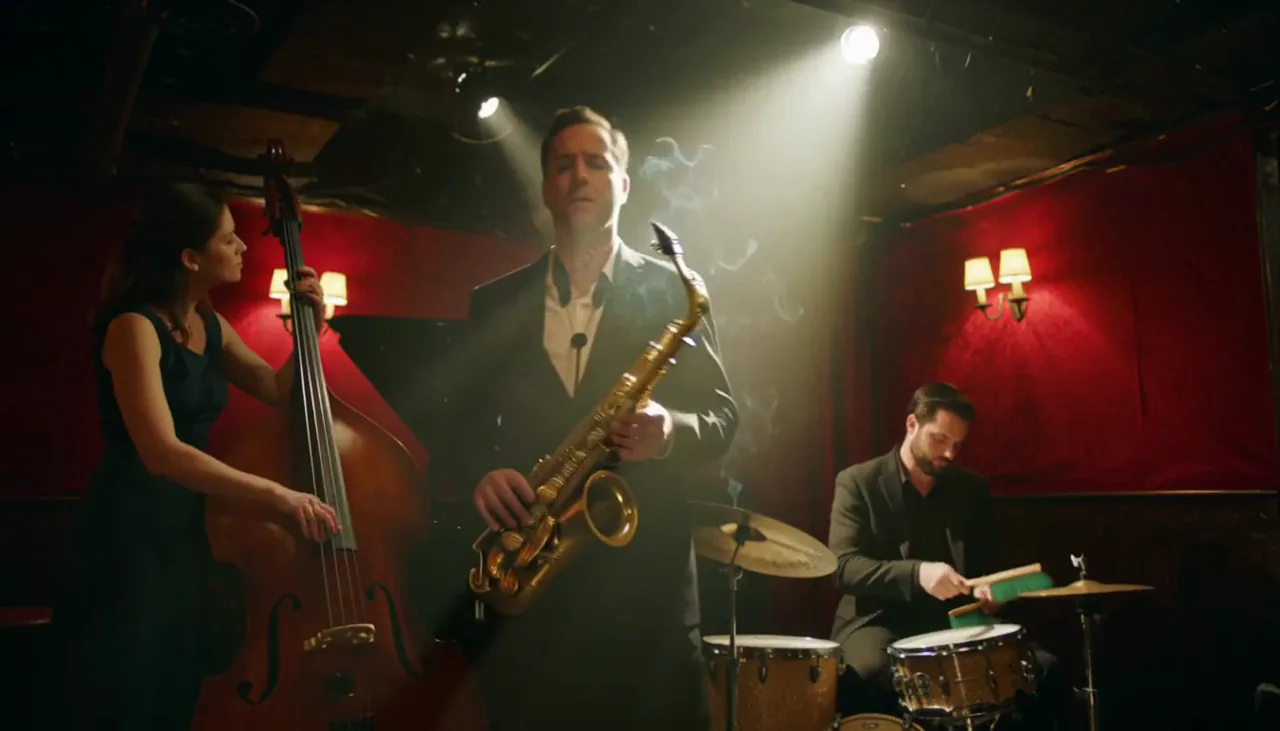
Native Audio
Create ambience, effects, dialogue, and music in the same pass, timed to what happens on screen.
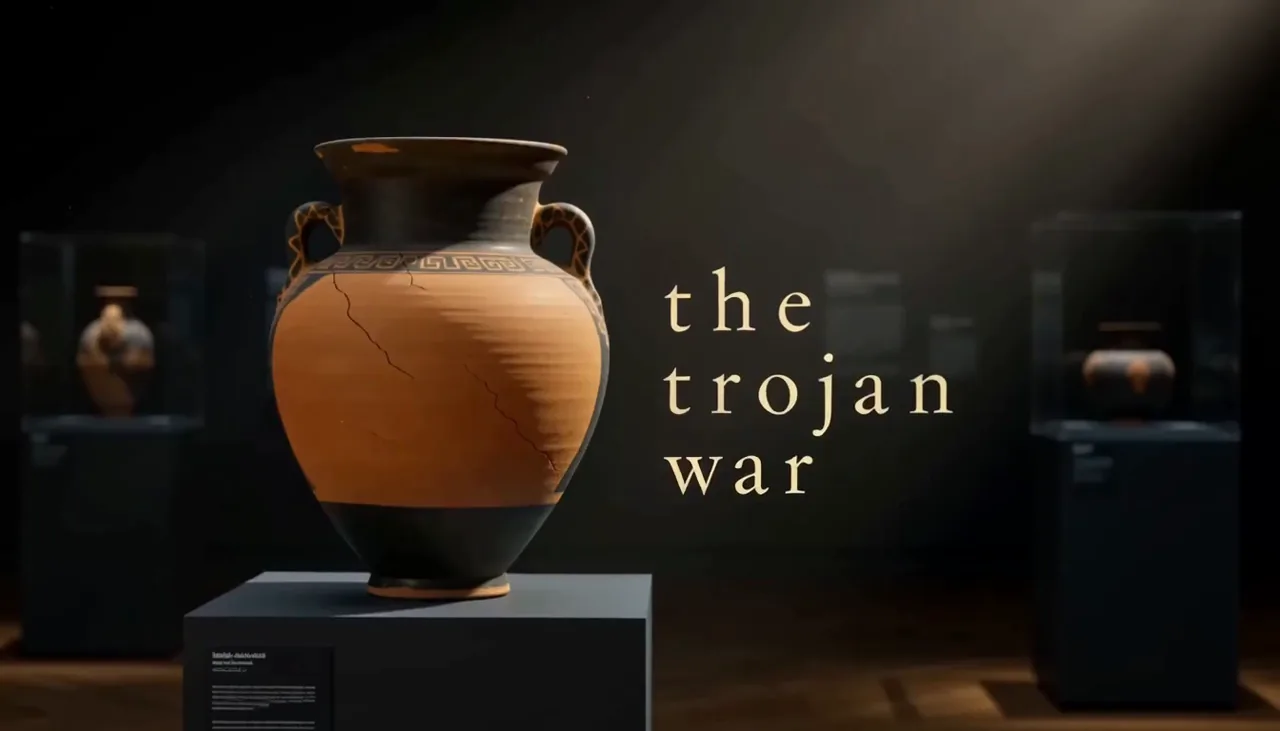
Art Direction
Carry a chosen palette, texture, linework, or cinematic treatment across every beat of the sequence.
Prompt Adherence
Describe the action step by step. H3 Max Live can follow the sequence and preserve requested visual details, including on-screen text when applicable.
Choose the controls you need, see the exact credit cost before generating, and keep completed videos in your account. Credits are charged by output length, and failed renders are refunded in full.
Duration, resolution, aspect ratio, prompt expansion, seed and end frame — the same fields the model takes.
See the exact cost before generating. Use a subscription or top up when you need more; failed renders return their credits.
H3 reads both. The interface switches with one click and remembers the choice.
Sign up, spend the free credits, decide afterwards.